

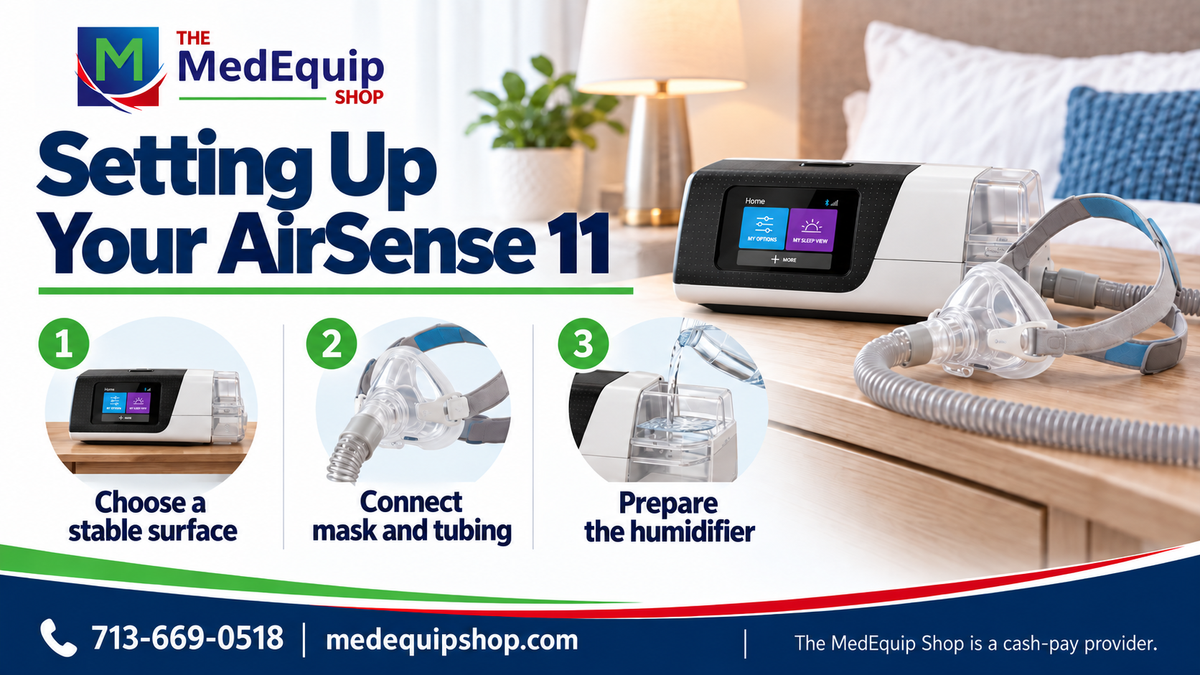

Set up your ResMed AirSense 11 using the US user guide for your exact version and the settings supplied by your provider. This checklist covers equipment preparation; clinical pressure and mode remain part of your prescription.
Prepare a stable bedside location
Place the machine on a stable, level surface with its air intake unobstructed. Keep it where the tubing can reach your mask without pulling. Check the power supply, tubing, water tub and filter for the correct model and damage.
Connect the correct equipment
Use the AirSense 11 power supply and compatible tubing. Connect the tubing to the device and mask following their instructions. Heated tubing must match the device family; AirSense 10 and 11 heated tubes are not interchangeable.
Prepare the humidifier if included in your setup
Use the water specified in the US user guide, fill only to the indicated maximum level and close the tub before fitting it. Keep water out of the machine and empty the tub before transporting the device.
Fit the mask and start prescribed therapy
Fit your mask according to its guide and use the device’s mask-fit function as instructed. Start therapy using the start/stop control. Contact your provider if there are persistent leaks, discomfort or concerns about pressure; do not select new clinical settings yourself.
Use digital support and maintain the equipment
Follow the current myAir instructions if you use its setup and tracking features. Clean and inspect each component on the schedule in its own guide. Browse compatible masks and supplies and our CPAP purchase guide for equipment options.
Frequently asked questions
Who sets the AirSense 11 pressure?
Your treating clinician prescribes it and your provider configures the device accordingly.
Where should I put the machine?
On a stable, level surface with clear airflow and tubing that can reach the mask without pulling.
Can I use an AirSense 10 heated tube?
AirSense 10 and 11 heated tubes differ. Confirm the exact compatible part before connecting it.
Can I carry the machine with water in the tub?
Empty the tub before transport and follow the device’s packing instructions.
Do I need myAir to start therapy?
Follow the device guide and provider setup. myAir adds digital support; it does not replace the prescription or clinical review.